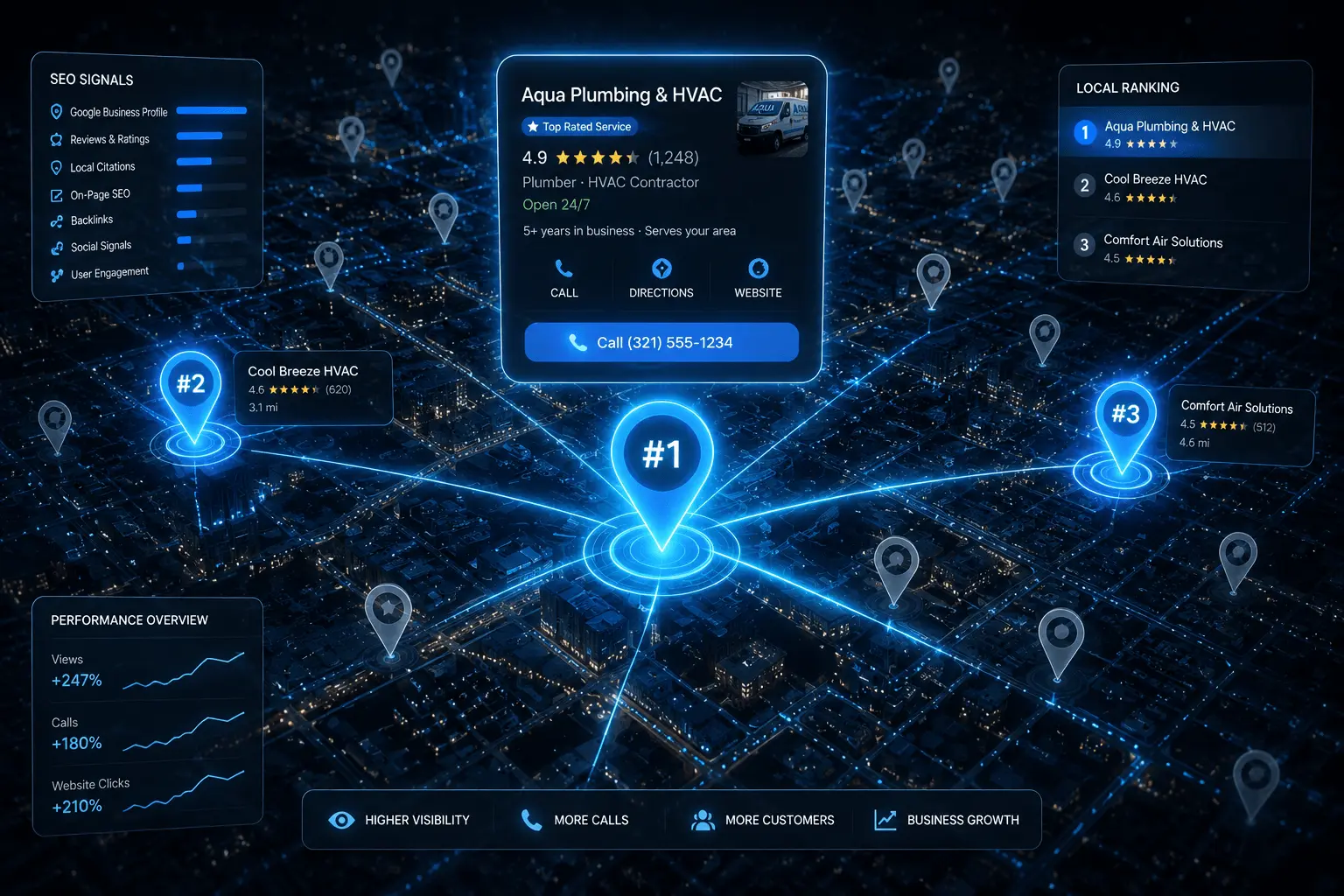
The answer had nothing to do with money or luck. It had everything to do with understanding exactly how Google Maps ranking works and doing the right things consistently over time.
Why Google Maps Is the Most Valuable Real Estate for Service Businesses
Google Maps results — the Local Pack — appear right below paid ads and above organic links. Research from BrightLocal shows that 76% of people who search for a local service take action within 24 hours. The businesses sitting in those top three spots collect the overwhelming majority of those calls.
Ranking on Google Maps is significantly more achievable than ranking in traditional organic search. Google uses a specific and learnable set of local signals. Once you understand them, you can build a real competitive advantage.
The Three Pillars Google Uses to Rank Local Businesses
- Relevance — How well your business matches the search query. Be as specific as possible.
- Distance — How close your business is to the searcher. You cannot move, but you can signal which areas you serve.
- Prominence — How well-known and trusted your business appears across the web.
Step 1: Claim and Fully Optimise Your Google Business Profile
This is the foundation of everything. If you have not claimed your Google Business Profile, go to business.google.com right now and complete the verification process before you do anything else.
Choose your primary category carefully
This single decision has more impact on your ranking than almost any other setting. Be as specific as Google allows. Add 3–5 secondary categories for additional services.
Fill out every single section
Business description, service area, hours, phone, website, and the services section all contribute to how Google evaluates and ranks your listing.
Upload at least 20 high-quality photos
Businesses with more photos receive 42% more direction requests and 35% more website clicks. Include team, completed projects, and branded vehicles.
Complete the services and products sections
Most business owners leave these blank — a genuine mistake. Google uses these fields to match your listing to relevant searches.
Step 2: Build NAP Consistency Across Every Directory
⚠️ Inconsistencies are shockingly common. 'Marcus Plumbing LLC' on Google, 'Marcus Plumbing' on Yelp, and 'Marcus's Plumbing Services' on Angi — those small variations send confusing signals to Google's algorithm.
Start by auditing your existing citations using BrightLocal, Whitespark, or Moz Local. Clean up inconsistencies first. Then build new listings on the most authoritative directories: Yelp, Bing Places, Apple Maps, Angi, BBB, and your local Chamber of Commerce.
Step 3: Generate Reviews Consistently — Not Just in Bursts
Here is what most guides completely miss: the consistency of getting new reviews matters more than total volume. A business with 200 reviews where the last was eight months ago will often rank below a business with 60 reviews that earns 2–3 new ones every week.
After completing a job, send the customer a short text with a direct link to your Google review page. 'Hi Sarah, it was great working with you today. If you have a moment, we would really appreciate a quick Google review.' That is all it needs to be.
Step 4: Optimise Your Website With Local Signals
Create dedicated pages for every city you serve
Each page should include the city name in the title tag, the main heading, and naturally throughout the body content.
Add full NAP in the footer of every page
Embed a Google Map on your contact page. Use local schema markup to help Google understand your business type, service area, and contact details.
Keep pages specific and unique
These pages are not duplicate content if you write them with genuinely unique information about each location.
Step 5: Earn Local Backlinks That Signal Community Roots
- Sponsor a local event or school program — most organisations link back to sponsors
- Reach out to local bloggers and regional news publications to contribute expert content
- Establish referral partnerships with complementary businesses who mention you on their resources page
Step 6: Stay Active on Your Profile Every Month
Google rewards profiles that show signs of regular activity. Use Google Posts at least twice a month. Add new job photos regularly. Seed your Q&A section by posting common customer questions yourself and answering them thoroughly.
Common Mistakes That Kill Google Maps Rankings
⚠️ Never stuff keywords into your business name field. This is against Google's terms of service and can get your listing suspended. Use only your real, legal business name.
- Choosing a primary category that is too broad dilutes your relevance
- Ignoring negative reviews instead of responding thoughtfully
- Leaving your profile with missing hours, no service descriptions, and only a few blurry photos
Frequently Asked Questions
Most service businesses see meaningful movement within 60 to 90 days of consistent optimisation. Highly competitive markets like personal injury law can take 4–6 months.
Not necessarily. Your Google Business Profile can rank in the top three even if your website is not on page one organically. But a stronger website does support better Maps rankings over time.
Your strongest rankings will always be closest to your verified business address. You can expand visibility through service area pages and strong citation building, but Google primarily surfaces businesses near their verified location.
There is no universal number. In a small market, 25 well-distributed reviews might be enough. In a competitive metro area, you might need 100 or more. Focus on earning reviews consistently.
Yes, they are worth testing. Local Services Ads appear above the standard Local Pack and operate on a pay-per-lead model. But organic Maps ranking should remain your long-term priority because it generates leads without ongoing ad spend.
Advanced Google Maps Ranking Tactics Most Businesses Miss
The Google Business Profile Q&A Section Is a Hidden Ranking Asset
Most business owners completely ignore the Q&A section of their Google Business Profile — and that is a significant missed opportunity. Google allows anyone to ask questions about your business, and the answers appear prominently on your GBP listing. Here is the strategy most experts do not talk about: you can add your own questions and answer them yourself. Ask the questions your customers actually search for — "Do you offer emergency plumbing services in Austin?" "Are you available on weekends?" "What areas do you cover?" — and provide detailed, keyword-rich answers. These Q&A entries are indexed by Google and can appear in search results directly. The questions themselves often align with natural language searches and voice queries, giving you additional keyword coverage without needing to build new pages.
Review Keywords: The Signal Nobody Is Building
Google reads the text content of your reviews and uses it as a relevance signal. A review that says "best boiler repair in Austin — fixed our heating in under an hour" contains three signals: the service type, the city, and a quality indicator. When you send review requests to customers, add a subtle guide: "If you have a moment, please mention the service you had and where you are based — it helps other customers find us." Businesses that accumulate reviews with location-specific and service-specific language consistently outperform equally-reviewed competitors who have generic reviews like "great service, would recommend." This is not review manipulation — it is simply guiding customers to write useful, descriptive reviews.
The "Proximity" Signal: How to Expand Your Map Pack Radius
Google Maps rankings are proximity-dependent — the closer a searcher is to your business location, the more likely you are to appear for their query. Service-area businesses face a particular challenge: their GBP address is pinned to one location, but they serve a much wider area. The solution is a combination of approaches. First, create suburb or neighbourhood-specific pages that establish relevance for each service area with unique content. Second, use GBP posts mentioning the specific areas you serve — "Completed a boiler installation in Kensington today" — which trains the algorithm on your service radius over time. Third, collect reviews that mention specific suburbs or cities within your area. Fourth, build citations from local directories specific to each suburb you serve. Collectively, these signals expand the geographic radius for which you appear in the Map Pack.
Competitor Gap Analysis: Find What They're Ranking For That You're Not
One of the fastest ways to accelerate Map Pack rankings is to study the top 3 businesses already in the Map Pack for your target keyword and reverse-engineer their authority signals. Use Ahrefs or Semrush to check: How many citations do they have? What is their domain authority? How many reviews, and what is the average rating? What categories are they listed under in GBP? What keywords are their top organic ranking pages targeting? Create a gap analysis comparing your profile to theirs across all of these dimensions. The gap with the smallest effort-to-impact ratio is where you focus first. In my experience working with service businesses, the most common gaps are review count, citation volume, and GBP category completeness — and all three are fixable within 60–90 days.
How Google Maps and Organic Search Rankings Interact
The Map Pack and organic (blue link) results are not entirely separate systems — they influence each other. A business with strong organic rankings for local service keywords tends to rank higher in the Map Pack too, because Google interprets that organic authority as a trust signal. Conversely, a highly-ranked Map Pack listing drives click traffic to your website, which improves engagement metrics (time on page, bounce rate, pages per session), which improves organic rankings. This feedback loop means that investing in both your GBP and your website's on-page SEO simultaneously produces faster results than focusing on just one channel. The businesses that consistently hold top-3 Map Pack positions typically have strong on-page SEO, a well-optimised GBP, and an active review generation strategy — all three running in parallel.
The 30-Day Sprint to Your First Map Pack Appearance
If you are starting from no Map Pack visibility at all, here is a focused 30-day plan that produces the fastest first appearance. Week 1: Complete your GBP in full — every section, correct primary and secondary categories, 20+ photos, service descriptions for every service you offer. Week 2: Fix your NAP consistency — audit every directory listing and correct any inconsistencies in your name, address, and phone number. Week 3: Send review requests to every satisfied customer you have worked with in the last 6 months. Aim for 10+ new reviews in this period. Week 4: Build 20 new citations on the highest-authority directories in your country. By day 30, the algorithm should have received enough new positive signals to begin placing you in the extended Map Pack (positions 4–7) for at least some of your target keywords — the foundation for Top 3 over the following 60 days.
Want These Results for Your Business?
Get a free local SEO audit — I'll show you exactly what's holding your rankings back and the fastest path to the Map Pack.
🎯 Get Your Free SEO Audit
Related Guides You Should Read Next
- → Google Business Profile Optimisation Guide
- → Latest Local SEO Ranking Factors (2026)
- → How to Get More Google Reviews
- → Local Citations & NAP Consistency
- → Google Business Profile Optimisation Service
- → What Is NAP in SEO? The Citation Signal Explained
- → Local SEO Checklist 2026 — Full Action Plan
- → Local SEO Services — Work With Ahmad Directly
- → How Long Does Local SEO Take? Month-by-Month Breakdown