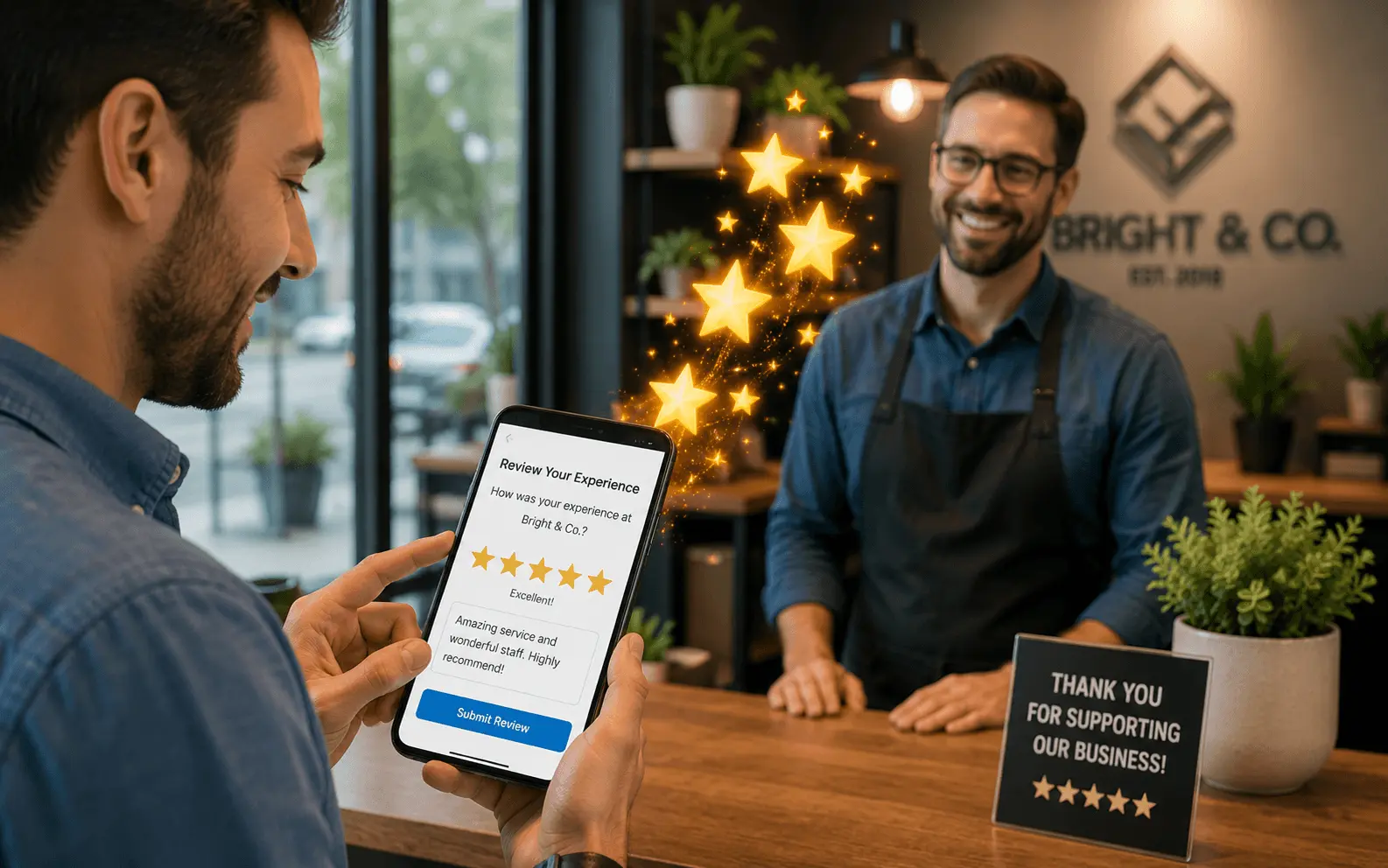
Why Google Reviews Matter More Than Most Business Owners Realize
Google reviews influence your local search rankings, your click-through rate, and your conversion rate all at the same time. That combination makes them one of the highest-leverage assets a local business can build.
A batch of 80 reviews earned three years ago carries less weight than 80 reviews spread steadily across the past 12 months. Google interprets consistent review velocity as a sign the business is actively operating and satisfying customers right now.
The Real Reason Most Businesses Struggle to Get Reviews
The real reason is not that customers are too busy or not tech-savvy enough. The real reason is that they never ask. Or they ask at the wrong moment. Or they make the process harder than it needs to be.
Happy customers do not typically leave reviews without a prompt. Unhappy customers, on the other hand, are highly motivated to leave reviews without any prompting. This creates a natural imbalance that makes passive review collection a losing strategy.
Step 1: Build Your Review Request Foundation
Get your direct review link
Log into your GBP dashboard and find the "Get more reviews" option. Copy that link. If it is too long to share easily, run it through Bitly and create a branded short link like bit.ly/ReviewOurShop.
Decide where you will collect reviews
Primary platform should always be Google. Secondary platforms like Yelp, Facebook, or industry-specific directories can be part of your strategy, but Google reviews carry the most direct local SEO weight.
Set a monthly review goal
For most local businesses, a realistic starting goal is 8 to 12 new Google reviews per month. Tracking progress against a target keeps the system active and gives you a clear metric to optimize.
Step 2: Identify Your Best Moments to Ask
Timing is the single biggest factor in whether a customer leaves a review or ignores your request. The best moment is immediately after a positive experience when satisfaction is at its peak.
- Service businesses — right at the end of the job when the customer has seen the completed work and expressed satisfaction
- Retail businesses — at checkout when the customer is happy with their purchase and the interaction is fresh
- Healthcare providers — during checkout or follow-up call immediately after a positive appointment
- Restaurants — follow-up text within four hours of the visit, not while at the table
Step 3: Ask the Right Way Using Scripts That Actually Work
"We really appreciate your business and we rely on reviews to help other homeowners find us. If you had a good experience today, would you mind leaving us a quick Google review? I can text you the link right now so it only takes a minute."
"Hi [Name], thank you so much for choosing [Business Name] today. If you have 60 seconds, we would love it if you left us a Google review. Here is the direct link: [link]. It means a lot to our small team."
⚠️ Never offer incentives for reviews or ask customers to leave only positive reviews. Both practices violate Google's policies and can result in review removal or profile suspension. Ask for honest feedback and let the quality of your service do the rest.
Step 4: Make Leaving a Review as Easy as Possible
Always send the direct review link
Never tell a customer to "look us up on Google and leave a review." Always send them directly to the review form.
Use QR codes for brick-and-mortar
A review QR code at your front desk, on receipts, or on a table tent lets customers scan with their phone camera and land directly on your review form.
Consider automation tools
Podium (from ~$289/mo) and Birdeye (~$299/mo) automate the entire text message review request process after each completed job or appointment. For high-volume businesses, automation pays for itself quickly.
Step 5: Respond to Every Review You Receive
Responding to reviews is not optional. Google considers your response rate as part of how it evaluates your engagement, and potential customers read your responses before deciding whether to contact you.
- Positive reviews — thank the customer by name, reference something specific about their experience, and invite them to return. Three sentences is usually enough.
- Negative reviews — never argue publicly. Acknowledge their experience, apologize for the shortfall, and offer to resolve directly: "Please reach out to us at [phone] so we can make this right."
- Response time — aim to respond to every review within 24 hours. Set a weekly calendar reminder to check and respond to new reviews.
Step 6: Build Consistency Into Your System
⚠️ The biggest mistake after starting: Treating review collection as a one-time campaign. Businesses that collect 40 reviews and then stop find competitors who kept going overtaking them within months. Consistency is what separates businesses that dominate local search from those that drift in and out of the top results.
- Build the review ask into your standard service completion process so it happens automatically
- Assign ownership — designate one person per shift or location as responsible
- Review your monthly numbers every 30 days and compare against top three local competitors
- Treat your review count as a competitive intelligence metric, not just a vanity number
What Never to Do When Collecting Google Reviews
- Never buy reviews — Google's systems detect inauthentic patterns; profile suspension is the worst-case outcome
- Never ask employees, friends, or family — reviews from the same IP addresses or accounts with no review history are flagged and removed
- Never gate reviews — asking only happy customers to review while filtering unhappy ones violates Google's policies
- Never import reviews from other platforms claiming they are Google reviews
Frequently Asked Questions
There is no magic number — it depends entirely on your local competition. In a small town, 30 to 50 reviews may be sufficient. In a major metro, top-ranked businesses often have 150 to 300 or more. Focus on consistent generation rather than hitting a specific count, and track against your specific local competitors.
Best practice is to focus your request on Google first, as Google reviews carry the most direct local SEO weight. If you are targeting Yelp or industry-specific platforms as secondary goals, rotate your requests rather than asking for multiple reviews simultaneously — asking for too much at once reduces conversion rates.
Flag it for removal through your GBP dashboard and select the appropriate policy violation reason. Respond professionally to the review without confirming or denying the person is a real customer. Document everything. If removal is slow, contact Google Business Profile support with evidence. The process requires patience but fake reviews are removed regularly.
Respond now rather than leaving it unanswered. Acknowledge the situation, express that you take all feedback seriously, and invite them to contact you directly. A late response is far better than no response — potential customers reading that review will see that you eventually addressed it.
Yes. Google's algorithm performs sentiment analysis on review content. Reviews that naturally mention specific services, neighborhood names, and descriptive terms contribute to your listing's relevance for related searches. A review mentioning "emergency plumbing repair in Naperville" reinforces your ranking for that exact query in ways a generic 5-star rating does not.
Your 90-Day Review Building Plan
Foundation
- Get your direct review link
- Create branded short URL
- Set monthly target of 8–12 reviews
- Train team on verbal ask script
Launch
- Ask after every completed job
- Send text follow-up within 2 hours
- Set up QR code at front desk / on invoices
- Respond to all incoming reviews within 24hrs
Compound
- Track monthly count vs. competitors
- Optimize ask timing if conversions are low
- Consider automation tools if volume warrants
- Celebrate team milestone at 50, 100, 200 reviews
Advanced Review Generation Strategies Beyond the Basic SMS Request
The 5-Step Post-Job Review Sequence That Gets 40%+ Response Rates
A single SMS with a review link gets opened but frequently not acted upon — life gets in the way. A multi-touch sequence dramatically outperforms a single request. The sequence that consistently produces 40%+ review completion rates:
- Immediate verbal ask: At job completion, the technician says: "If you are happy with the work, it would mean a lot to us if you left us a Google review — I will send you a quick link." The verbal commitment increases follow-through substantially.
- SMS within 2 hours: Short, personal-feeling message: "Hi [Name], great working on your [service] today. Here is that Google review link I mentioned — it only takes 2 minutes: [link]. Thank you, [First name]."
- Email follow-up at 24 hours: For customers who have not clicked the link. Slightly different wording, same direct review link.
- 7-day follow-up SMS: For non-respondents only: "Hi [Name], just checking you received our review link from last week. No pressure at all, but if you have a spare minute: [link]. Thank you."
- Respond to every review within 24 hours: Responding to all reviews signals to Google that the business is active and engaged — and shows potential customers how you handle feedback.
Turning 3-Star Reviews Into 5-Star Opportunities
When a satisfied customer leaves a 3-star review for a minor reason ("good work but took a bit longer than expected"), the right response can turn it into a 5-star review — and Google allows businesses to update reviews after a business response. The approach: respond professionally within 4 hours, acknowledge the specific point raised ("I completely understand the timing concern — we encountered an unexpected issue with the pipework that required additional time"), explain what you are doing to prevent it ("we now give more conservative time estimates for this type of work"), and offer to make it right if appropriate ("please get in touch directly if there is anything we can do"). In approximately 30–40% of cases, a customer who receives a professional, personalised response will update their 3-star review to a 4 or 5. This is especially effective for 4-star reviews left by customers who simply forgot to give 5 stars.
Review Gating: What You Must Never Do
Review gating — the practice of first asking customers if they are happy before sending the review link (only sending to those who express happiness) — violates Google's review policies and can result in review removal or GBP suspension. Every customer deserves the same access to leave a review regardless of their initial feedback. The legal risk is also real: in the USA, the FTC has issued warnings and fines against businesses that selectively solicit reviews to inflate ratings. The correct approach is universal review solicitation — ask every customer, make it easy for everyone, and respond professionally to negative reviews rather than suppressing them. In practice, businesses with 4.6–4.8 average ratings (reflecting authentic mixed feedback) frequently convert better than businesses with suspiciously perfect 5.0 averages, because potential customers trust the authenticity of a slightly imperfect rating.
Want These Results for Your Business?
Get a free local SEO audit — I'll show you exactly what's holding your rankings back and the fastest path to the Map Pack.
View Real Client Results
Related Guides You Should Read Next
- → How to Respond to Google Reviews
- → Google Business Profile Optimisation Guide
- → GBP Suspension Recovery Guide
- → GBP Optimisation Guide — Reviews in Context
- → How to Rank on Google Maps — Reviews Are Key
- → Local SEO Services — Review System Included
- → How to Respond to Google Reviews — Templates
- → 2026 Ranking Factors — Where Reviews Sit